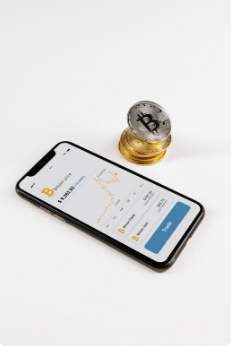
🪙 1. Create and verify your Binance account
- Go to the official website
- Click “Register” and create an account using your email or phone number.
- Complete KYC (identity verification) — upload an ID document and, if required, a selfie.
- This step is necessary for security and to unlock deposit and trading features.
💳 2. Deposit funds
You can fund your Binance account in different ways:
- Credit/Debit Card: Pay directly with Visa or MasterCard.
- Bank Transfer: Deposit GBP, EUR, or USD (depending on your region).
- P2P Trading: Buy Bitcoin directly from other users using local payment methods.
⚠️ Make sure the payment method matches the name on your Binance account — otherwise, your deposit could be delayed or rejected.
📈 3. Buy Bitcoin (BTC)
Once your account is funded:
- Go to “Buy Crypto” → “Bitcoin (BTC)”.
- Choose the currency you want to spend (e.g. GBP or EUR).
- Enter the amount and confirm.
- Binance will show the current BTC price and fees before final confirmation.
- Click “Buy” to complete the purchase.
🔒 4. Store your Bitcoin safely
After buying:
- You can keep BTC on Binance (for active trading), or
- Transfer it to a secure crypto wallet (like Trust Wallet, Ledger, or Trezor) for long-term holding.
Binance also offers a “Binance Earn” feature where you can earn rewards by holding BTC.
🧭 Tips for beginners
- Always enable 2-Factor Authentication (2FA) for security.
- Never share your recovery codes or passwords.
- Be aware of transaction fees and market volatility before buying.
- Check prices and market trends in the Binance Spot Market before executing large purchases.